
Getting started
The mod bench
The Mod bench is where mods are made, in the game itself: main menu, Mods, then Mod bench. It draws in the look of the team's Dialogue Studio: flat, square and quiet. Everything it makes is the same mod.json and files a mod written by hand has, so you can move between the bench and a text editor freely.
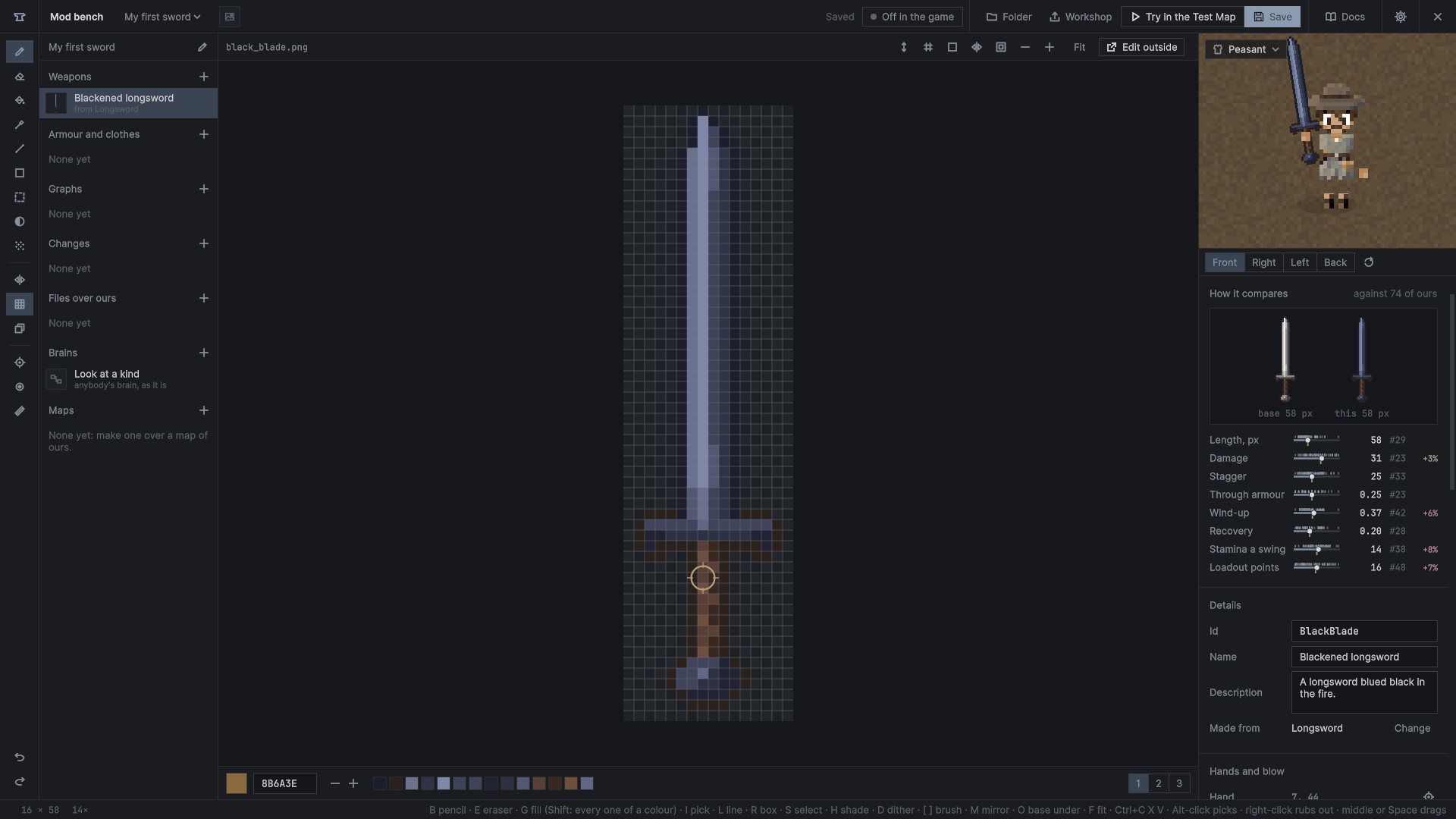
The head
- The mod's name opens another mod or makes a new one.
- On in the game / Off in the game switches the open mod on or off, as the Mods page does.
- Folder opens the mod's folder.
- Workshop publishes it, or updates it there (The Workshop).
- Try in the Test Map saves, then plays the Test Map with the weapon in hand or the piece on.
- Save (Ctrl+S) writes the mod to its folder.
- Docs opens these docs (F1). On the graph page, F1 opens the picked node's page.
- The gear opens the settings.
Closing the bench makes the game's copies of the mods again, so what was saved is what the menu's games play with.
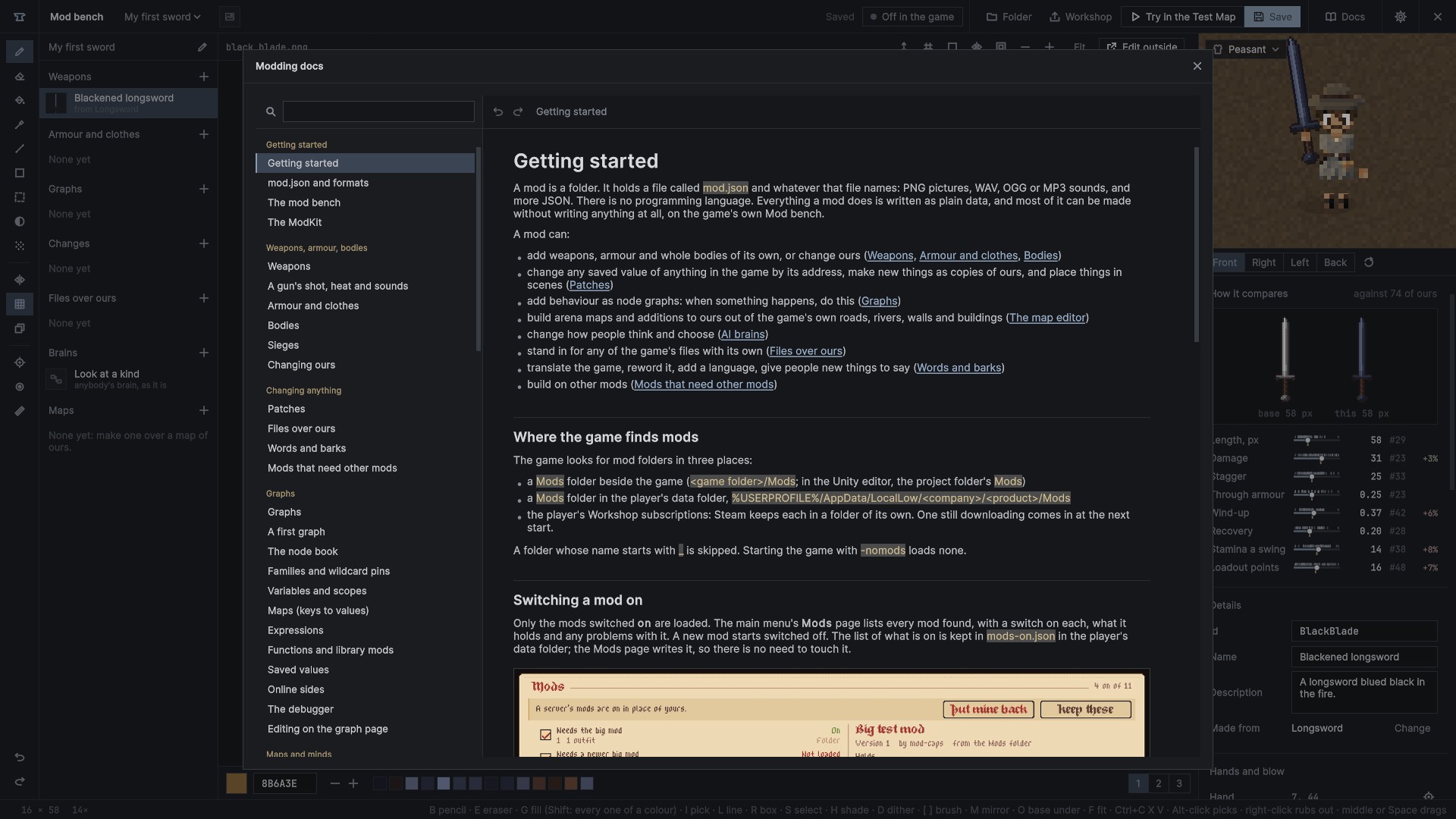
Making a mod
- New mod: a name and a maker. Its id is made from the name. A mod made on the bench starts switched on.
- From a template: a copy of one of the templates as a new mod of your own, with a new id and your title, ready to change and to publish. The templates make a new weapon, change one of ours in place, make new armour, and give a weapon its own sounds.
The bench comes back to the mod and the thing last open on it.
The mod's list
The list on the left holds everything in the mod, in groups, each with +:
- Weapons and Armour and clothes: + starts one from any weapon or piece of ours, with its pictures copied in to draw over and none of its numbers: only what you change goes in. Duplicate copies one, pictures and all. A red dot marks one that can't be made as it is.
- Graphs: the mod's node graphs (Graphs).
- Changes: the mod's patches, by file (Patches).
- Files over ours: the mod's own files standing in for the game's, and the words of each language (Files over ours, Words and barks).
- Brains: the people whose minds the mod changes, each kind's whole brain drawn as a graph (AI brains).
- Maps: arena maps of its own (The map editor).
A mod with very many things lists them a hundred to a page.
The pencil beside the mod's name opens The mod: its name, version, maker and thumbnail, and Needs, the mods it requires (Mods that need other mods).
The pixel canvas
Weapons and armour are drawn here, a pixel at a time.
| key | tool |
|---|---|
| B | pencil |
| E | eraser; the right button rubs out with any tool |
| G | fill, kept inside the cell it starts in; with Shift every pixel of that colour |
| I | pick a colour; Alt-click picks with any tool |
| L | line |
| R | box |
| S | select: drag a box, drag inside it to move it (Alt: a copy); Ctrl+C, X, V; Delete rubs it out; Esc lets it go |
| H | shade: a step darker along the colour's own ramp, cooler; the right button lighter and warmer |
| D | dither: every other pixel, as a chequer |
| M | mirror: both halves at once |
| O | the base's own picture faintly under this one |
| [ ] | brush 1 to 3 pixels across |
| F | fit |
The wheel zooms, and the middle button or Space drags the view. The big swatch opens the colour picker: a square of shades, the hues, hex, and the colours used last. Outline draws the colour round what is drawn.
Armour sheets fit the view to their cells, dim the rest of the sheet and name each cell. Facings cut from the same place are one cell named for both. Copy a facing draws one over another of the same size, the left over the right turned round, the front over the back. The bare body shows faintly under a cell cut where one of its own pictures is. Weapons show the hand, the other hand and the blow, each set with a tool of its own on the rail. Taller, wider and trim move a weapon's points with its picture.
Edit outside saves and opens the picture in the system's painting program. A picture or mod.json changed on disk comes in by itself.
The figure and the numbers
- Preview: the figure painted as the loadout screen paints it, in the piece or holding the weapon, over an outfit of the arena's harnesses, turning by itself. It is painted again a few times a second while a stroke goes on.
- How it compares, at the top of the right panel: its main numbers each on a meter across ours of its kind, with a mark for each of ours, a tick for the base, its place among them (#1 is the best that way) and how far it is from the base, green better and red worse. A weapon is shown beside its base at the same scale; a piece as a figure lit by how much of each part it covers.
- Numbers: loadout points first (left blank, they are worked out from the numbers), then the main ones for its kind with the base's values shown, and every other number the base has behind a search. The main ones have sliders. A changed number shows the base's beside it. A number's name dragged left or right changes it too (Shift finer, Ctrl coarser), and its tooltip is the game's own for that field.
- Guns add Shot, Heat and Sounds (A gun's shot, heat and sounds).
Pickers
Whatever names something is picked, never typed: items with their icons, things with their pictures, quests, dialogues, settings assets, sounds (with play), pictures (with thumbnails), sound sets, bark situations, RP rows and their known values. Choices are drop-downs. A picker searches, and lists the mod's own first, then each mod it needs under its title, then ours, folded by group. Typed text is left only for names, descriptions and notes.
Settings
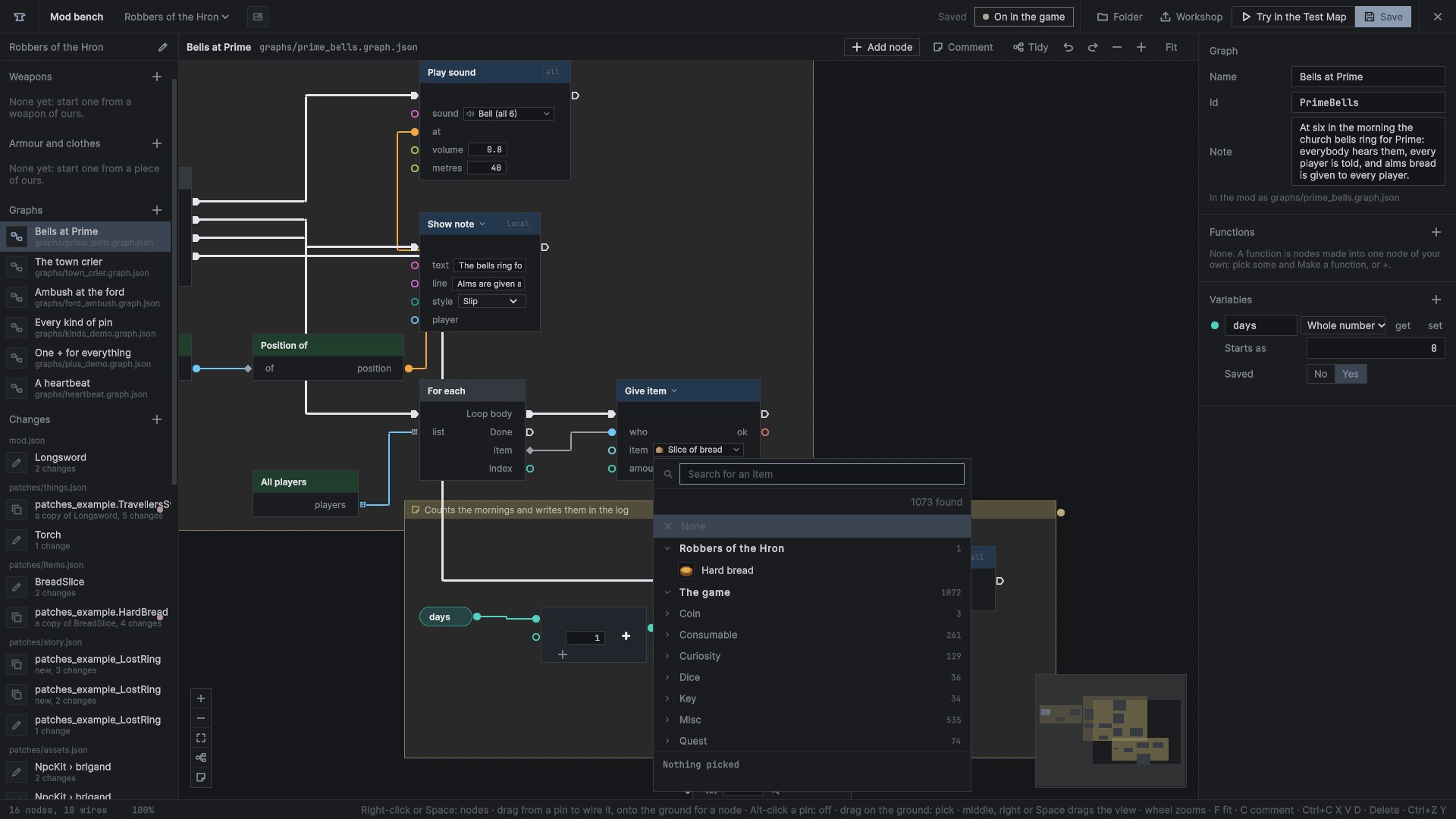
The gear in the head opens the settings: sections on the left, their fields on the right, each change applied at once and kept, each section with Back to defaults.
- Graphs: wires (sharp or curved, thickness, corners, lane spacing), nodes (small maths nodes, pin size, contrast), the grid, zoom, and help on hover.
- Colours: the kind colours as they are, a high-contrast set, and a set safe for colour-blind eyes.
- Editor: the bench's scale, its text size, the wheel's direction, which buttons pan, asking before deleting, saving every few minutes.
- Shortcuts: every key of the bench, by page. A click, then the new key; two keys on one binding are marked red.
- Pixel canvas and Map editor: their own.
Try in the Test Map
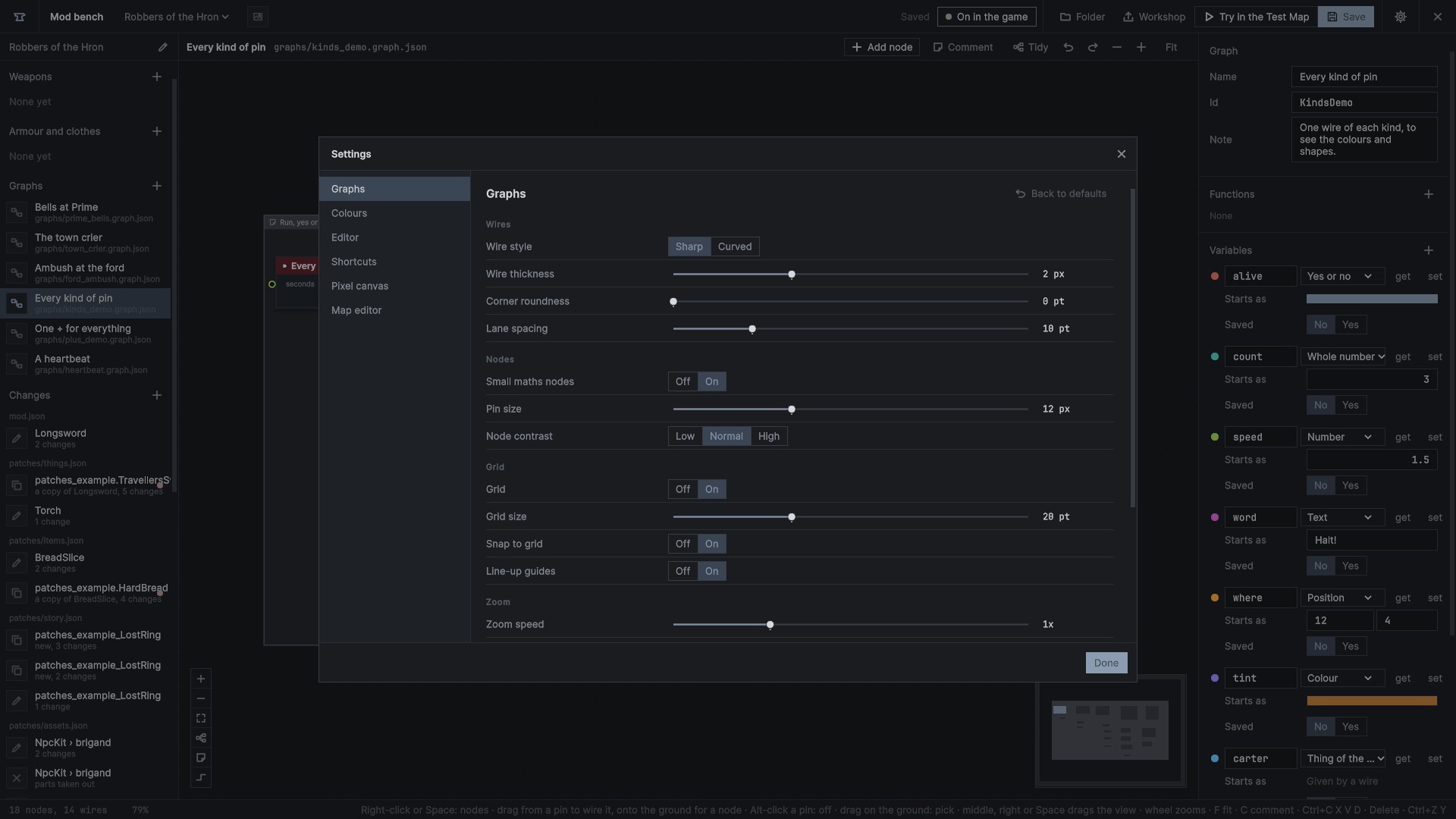
Try in the Test Map saves, makes the mods again and starts the Test Map with the weapon in your hand or the piece on over your first loadout. A thing that could not be made is said on the bench instead. With nothing picked it starts the Test Map as it is. Back at the main menu the bench opens again.
Every weapon and piece of the mods switched on is laid out in the Test Map's field as it loads: the mods' weapons on racks of their own beside the armoury's, guns and the ones too long for a rack on the grass by them, every piece on a stand of its own over a harness that takes it, and the mods' whole outfits each on a stand. Ours a mod changes hang where ours always do, changed.
The other pages
The graph page, the Changes page, the Files over ours page and the map editor each have a chapter: Editing on the graph page, Patches, Files over ours, The map editor.